
A photo workspace
that keeps up with you.
Bring folders, Apple Photos, editing, intelligent search, and sharing into one private place.
Your library already has a life of its own.
Luz works with it instead of asking you to start over. Keep your folders where they are. Bring Apple Photos into view. Search what you can remember. Edit when it matters. Share only what you choose.
Files stay in place
Browse photos in place
Open any folder and start. Luz Photo works with the originals in place—nothing is copied, moved, or renamed.



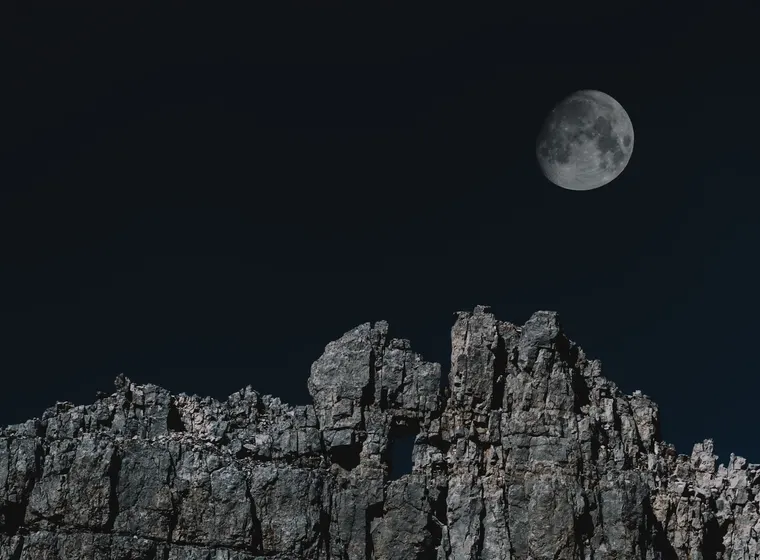


Fast, even with thousands
- Common formats with Quick Look fallback
- Fast scrolling through very large folders
Search without keywords
Find photos automatically
Luz Photo identifies objects, colors, and readable text on your Mac, then makes them searchable—no upload and no setup.

PORTRAIT.HEIC
TAGS
COLORS
TEXTLOWER EAST SIDE
Search what you remember
- Objects, colors, and visible text become searchable
- Smart collections update as photos are added

The full editor, already there
From first look to final version.
Open the editor from the grid and stay close to the photograph. Every change is non-destructive, every original stays intact.
Fix what’s needed
The histogram flags clipped highlights and explains what needs your attention.
Try another version
Save different looks for one photo, return to any of them, or start over without touching the original.
Apply edits
Copy a finished look across a selection, or fine-tune light, color, crop, grain, and more.
Import and export
Import once. Export anywhere.
Bring your existing work into Luz Photo, keep it interoperable with the apps around you, and make polished outputs when the work is ready to leave.


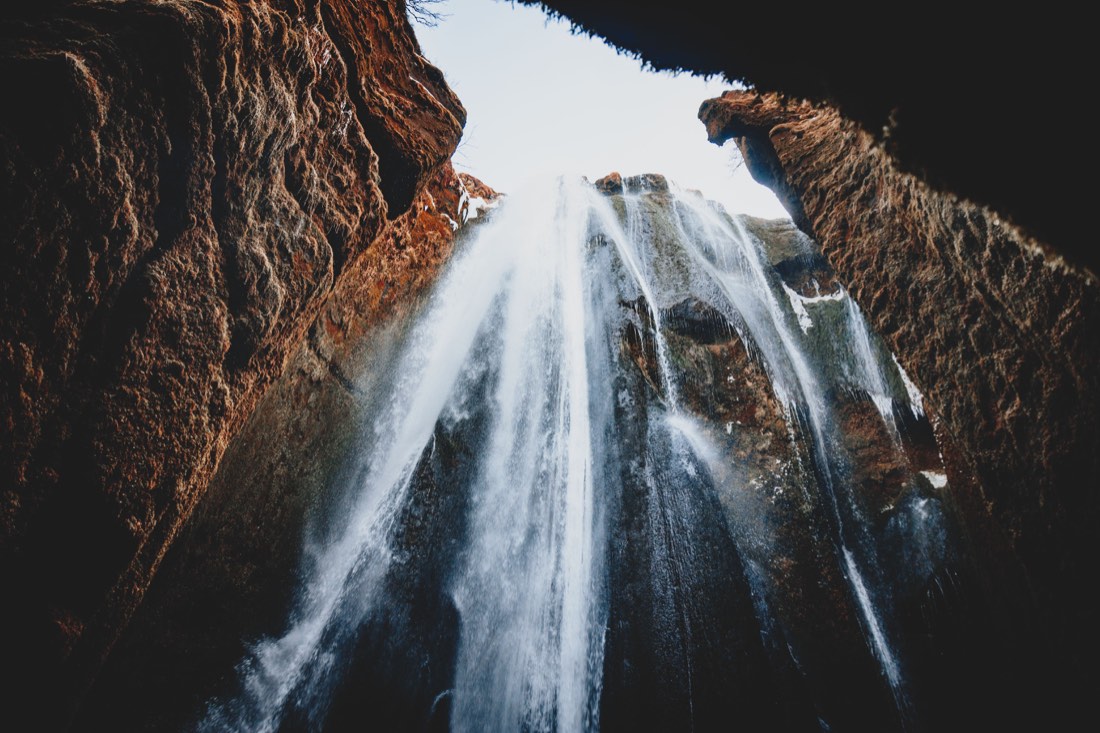





Bring your existing library with you.
Move in from Apple Photos, Lightroom, Eagle, Google Takeout, or XMP sidecars—with ratings, keywords, edits, and presets.
Bring your library
Choose where your existing work lives.
Export files other apps can use.
Send standard image files to Lightroom, Eagle, Preview, or anywhere else—at the size and quality you choose.
Export 12 photos
Color space sRGBBit depth 8-bitMetadata Copyright only
Quality 86%
Save the setup for next time.
Keep repeatable export presets for format, quality, bit depth, dimensions, and metadata.
Export presets
Choose a saved recipe for this collection.
Turn a collection into a shareable PDF.
Arrange a paginated contact sheet in a grid or rows, then send the finished PDF for review, selection, or print.
PDF · 2 pages





Private sharing
Share a collection with a link
Publish a web gallery to your own Google Drive. Friends or clients can view it without installing Luz Photo.


Built for privacy
Your library stays on your Mac
Search, analysis, and editing happen on your device. Luz Photo has no analytics, account system, or processing server.
✦
APP PRIVACY
Data Not Collected
The developer does not collect any data from this app.
Analysis running on this Mac
No tracking. No uploads.
- No analytics or usage tracking
- No uploads for processing
Restore Luz Photo Library
MLuz Photo Library.luzlibraryCollections, tags, ratings, notes and editsToday
Match files by content
One file backs up your work
- Collections, tags, ratings, notes, and edits
- Reconnect everything on a new Mac
Useful facts
The details are part of the point.
Open an item for the practical answer.
Does Luz move or duplicate my photos?
No. Luz Photo works with ordinary folders in place. Collections let you gather images inside Luz without creating another copy of your files.
Can I use it with Apple Photos?
Yes. Bring your Apple Photos library into view alongside folders, without making you choose one system over the other.
What does search understand?
Search can use people, places, objects, colors, and visible text to help you get back to the photograph you mean.
Does search upload my pictures?
No. Search and analysis happen on your Mac. Luz Photo has no analytics, account system, or processing server.
Are edits reversible?
Yes. Every adjustment is non-destructive. Keep versions, try another look, or return to the original whenever you need to.
What can I share or export?
Export JPEG, PNG, TIFF, HEIC, or WebP with your chosen size, quality, color space, bit depth, and metadata settings. You can also make paginated collection PDFs.
How does web sharing work?
Publish a collection to your own Google Drive, then share the link. Visitors can view it without installing Luz Photo, and camera and location metadata are removed before upload.
What can I import?
Bring in work from Apple Photos, Lightroom, Eagle, Google Takeout, or XMP sidecars, including albums, folders, keywords, ratings, labels, edits, and Lightroom presets.